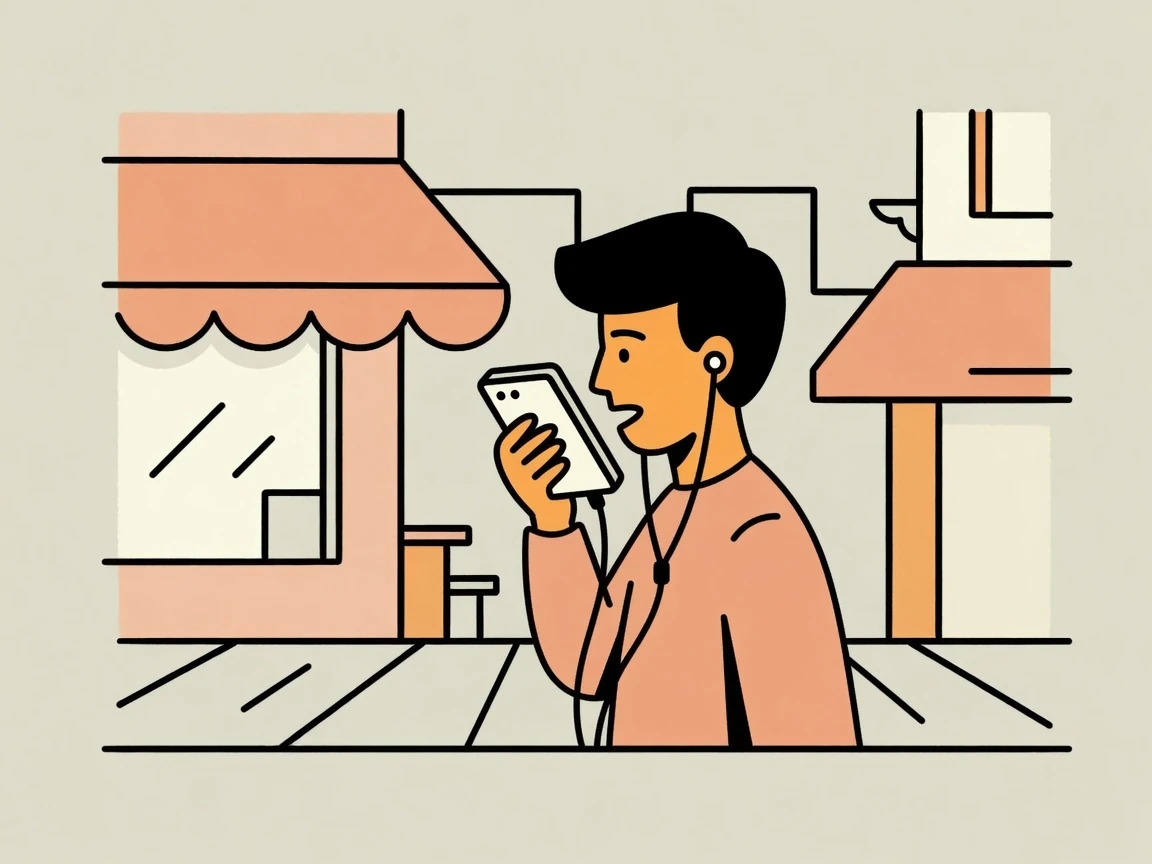
Direct your AI agents from your phone, wherever you are.
Use your voice to keep work moving on your computer while you are away.
NextWalkHelm
We'll email you a sign-in link. If this email is new, it creates an account.
The desktop application runs on Macs with Apple silicon (M1 or later), macOS 13 or later.
Use your voice to keep work moving on your computer while you are away.
Next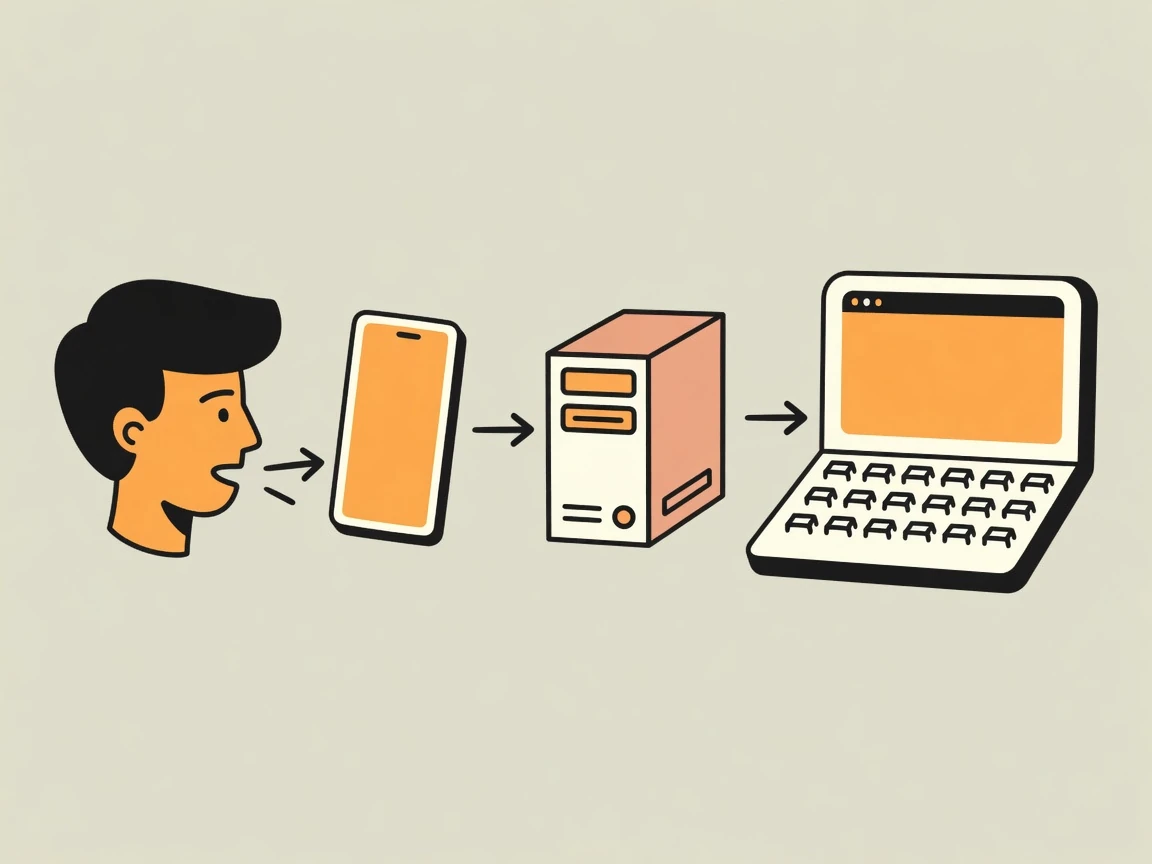
Work where your projects, keys, and tools already live—without the extra friction of remote-only workflows.
Next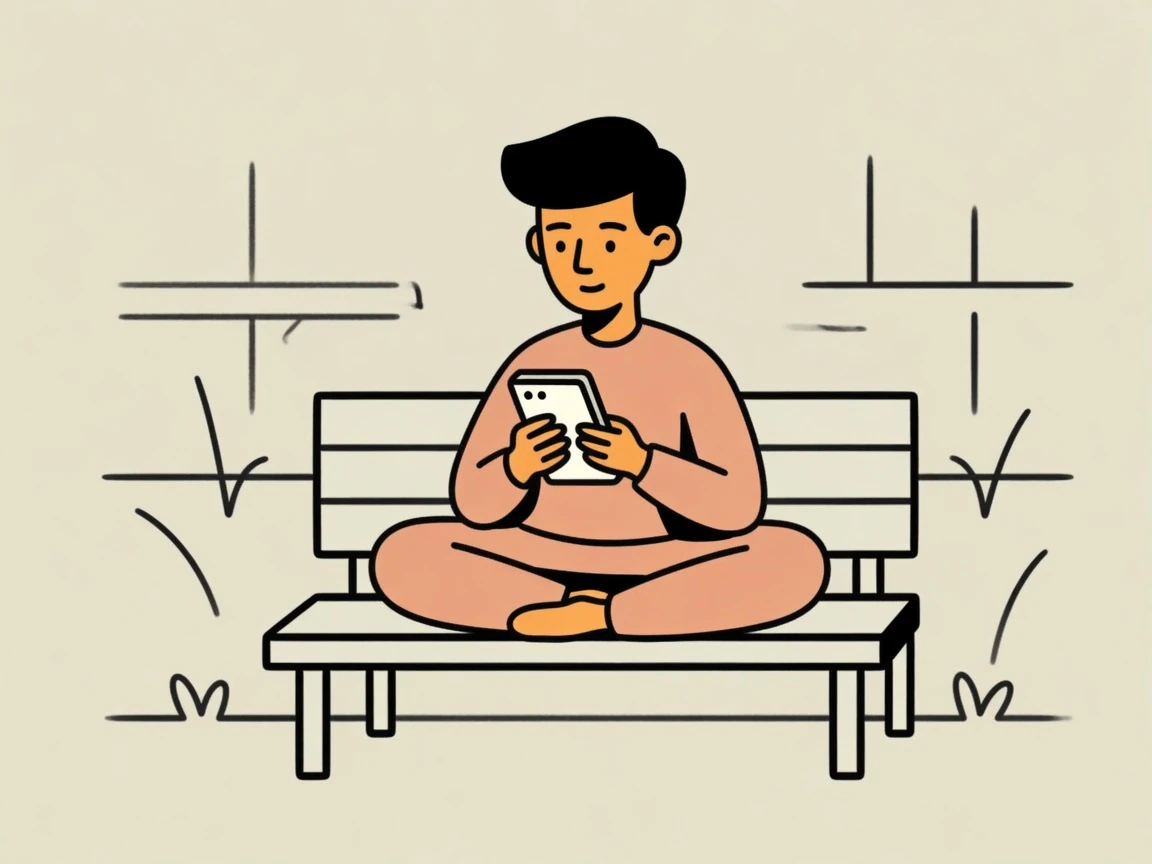
Move quickly between many AI sessions and projects, with fewer clicks and less cognitive load. The little things add up.
Next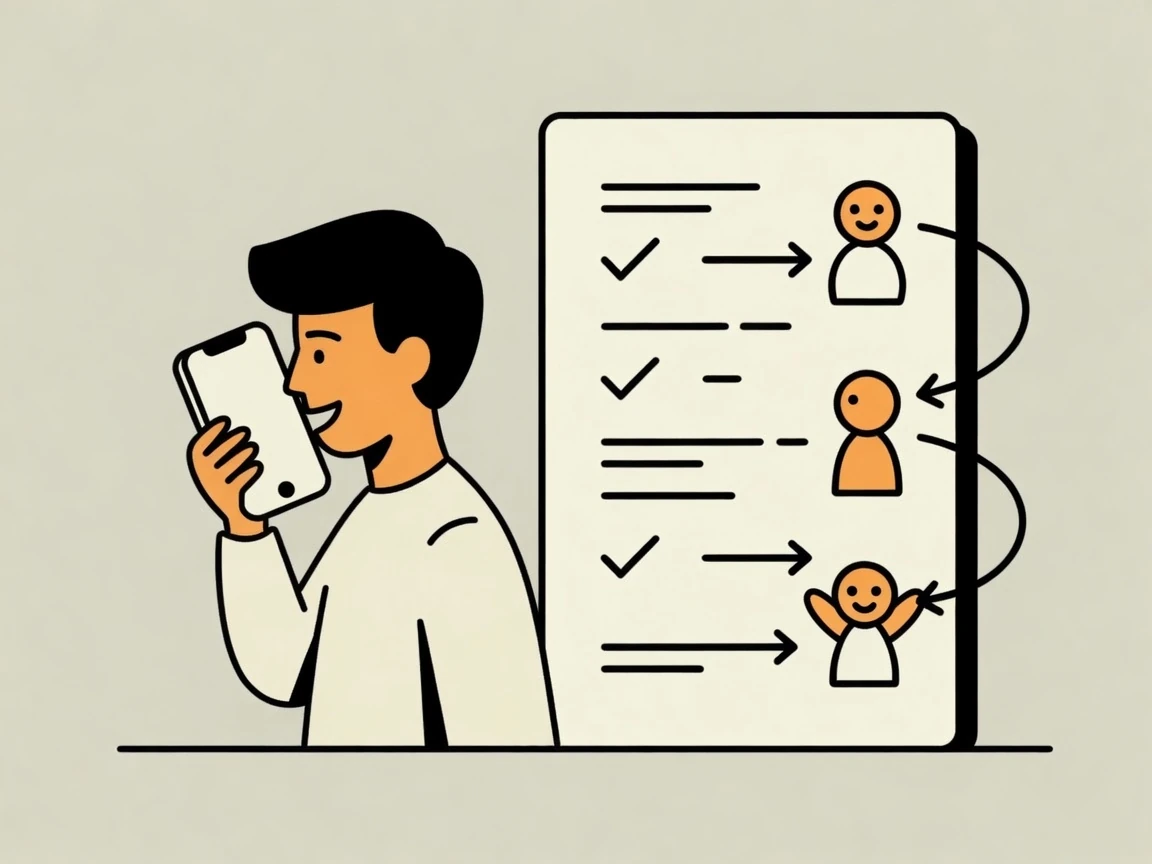
Give your AI the full picture once, then let it take on larger chunks of work without losing your intent. With a lasting record, you repeat yourself less.
Next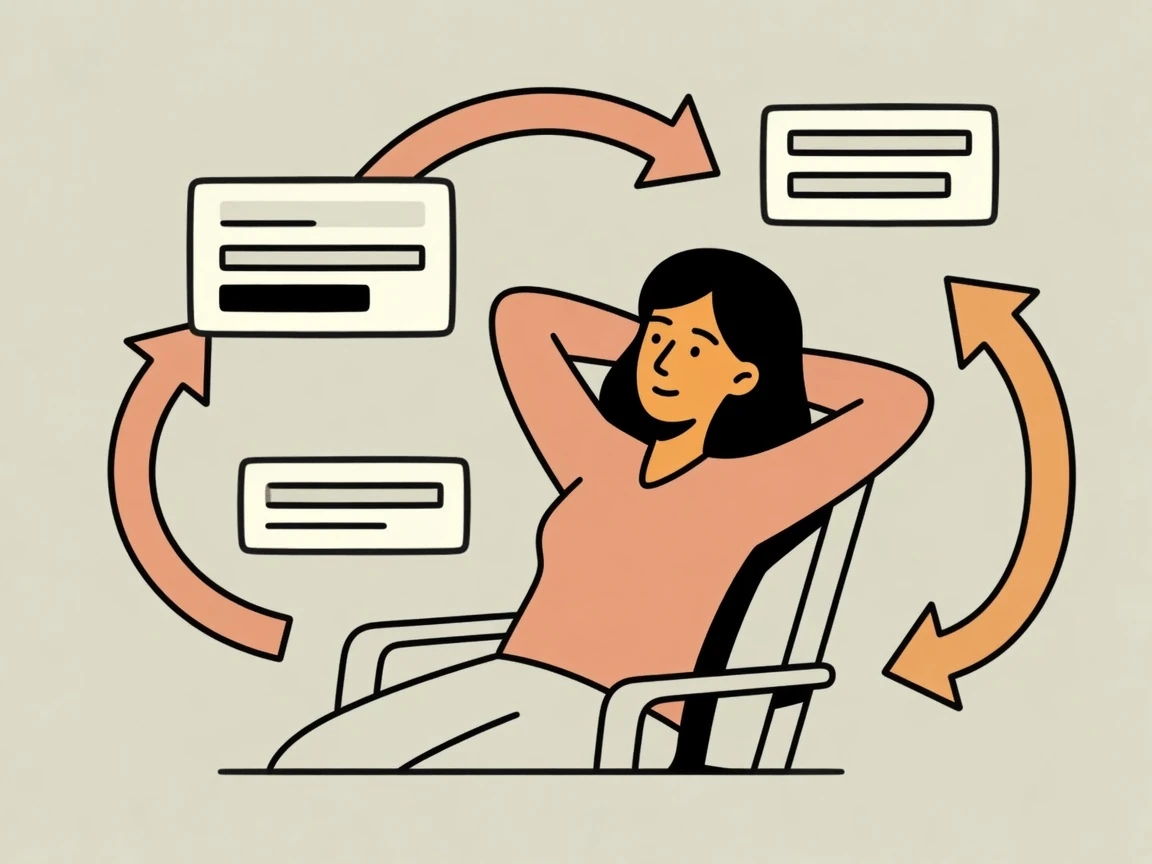
Schedule the tasks that need to happen again and again, then keep a clear overview of what is running.
Next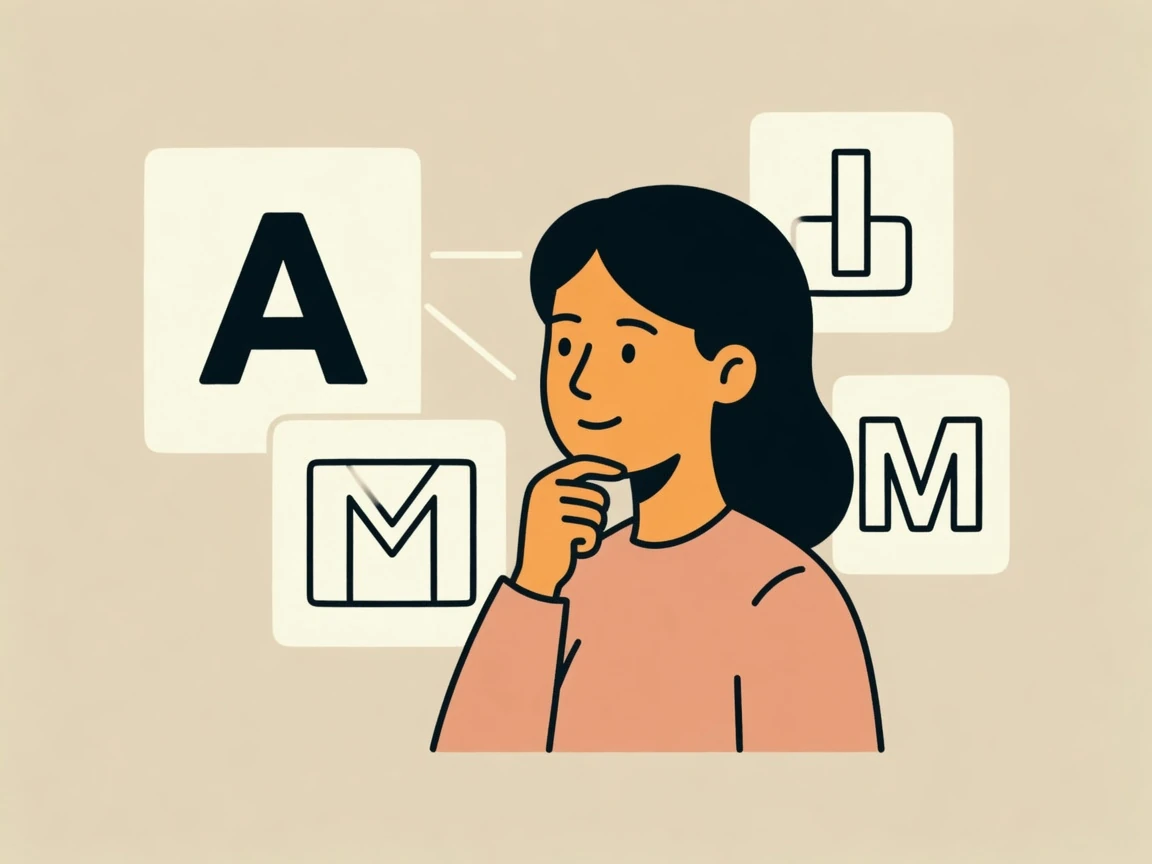
Bring your own subscription, or use flexible tokens when you want more choice.
Next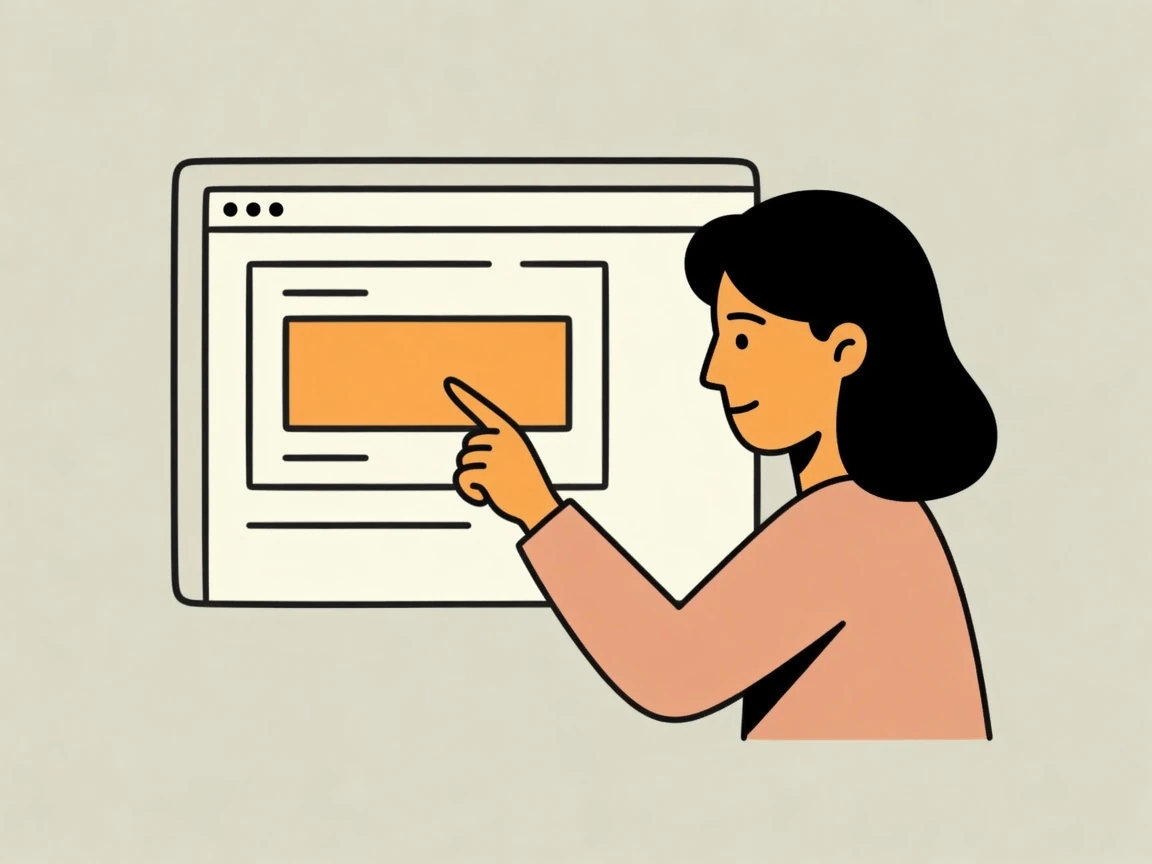
We help glue things together, making it more seamless to point the AI toward what you are talking about.
NextOpen the sign-in email on this device to continue.
Signed in as
Host: not connected — this page stays up without the desktop.